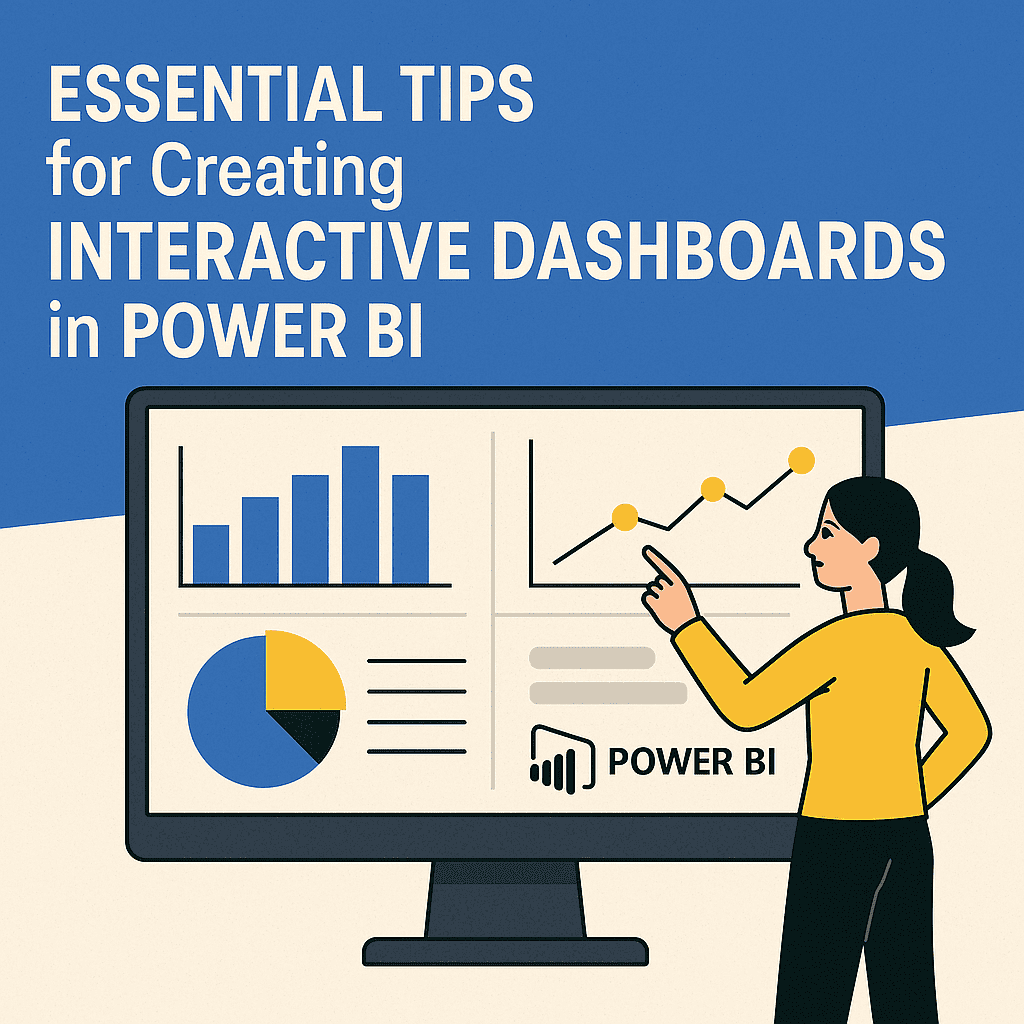




In today’s fast-paced business landscape, leveraging technology is not just an option; it’s essential. One of the most transformative tools at our disposal is Artificial Intelligence (AI), and when integrated with Power BI, it opens up a plethora of opportunities for small business owners, freelancers, and startups.
Let’s dive into how you can harness the power of AI with Power BI, creating dashboards and business templates that can dramatically streamline your operations and drive growth.
The Power of AI in Business Intelligence
AI enhances Power BI by allowing you to analyze massive datasets quickly and derive actionable insights. This capability is a game-changer, especially for those managing multiple tasks or projects. Imagine being able to generate reports that used to take hours, all with a few clicks! 📊
Here’s a table to illustrate the advantages of integrating AI with Power BI:
| Feature | Traditional BI | AI-Enhanced BI |
|---|---|---|
| Data Analysis | Manual input and analysis | Automated insights and trends |
| Visualization | Basic charts and graphs | Intelligent visualizations and narratives |
| Predictive Analytics | Limited | AI-driven forecasting |
| Time Efficiency | Hours of data compilation | Minutes to generate comprehensive reports |
| Scalability | Manual scaling required | Seamless integration with cloud services |
Building Dashboards with AI Insights
Creating your first AI-powered dashboard in Power BI might sound daunting, but with a step-by-step approach, it becomes manageable.
-
Start with Your Data:
Gather data from various sources—Excel spreadsheets, databases, or even cloud services. For instance, if you’re a freelancer managing multiple clients, you might have each client’s data in separate Excel sheets. -
Integrate AI Features:
In Power BI, utilize the AI features like Quick Insights or Q&A. Quick Insights automatically scans your data for trends, while Q&A allows you to ask questions about your data in natural language. 🙋♂️For example, if you’re a freelance graphic designer, you could load client project data and simply type, “What are my top 5 clients by revenue?” and let Power BI do the heavy lifting!
-
Visualize Your Data:
Use visual elements like graphs, charts, and maps to provide a comprehensive view of your metrics. A well-organized dashboard will not only serve you but can impress clients.As a case study, let’s consider Anna, a small business owner who sells handcrafted jewelry online. With the AI capabilities of Power BI, she created a dashboard displaying sales trends over the last year, customer demographics, and preferred products. This insightful visualization helped her identify that her new line of earrings was incredibly popular among young professionals—a trend she capitalized on with targeted marketing campaigns.
Creating Business Templates
Different types of businesses require different metrics. Creating tailored business templates powered by AI in Power BI can save you time and hassle. 🛠️
-
Identify Your Metrics:
Focus on key performance indicators (KPIs) that matter to your business. For a freelancer, it might be hours worked, projects completed, or revenue generated per client. -
Template Creation:
In Power BI, you can create a template based on your metrics. Set up a model that automatically pulls relevant data, so you don’t have to start from scratch every time. -
Utilize AI for Recommendations:
AI can suggest which visuals are best suited based on your data. This feature can guide you in designing intuitive templates that communicate your business story efficiently.
For example, if you are a consultant, you could develop a monthly performance review template. Power BI can analyze the month’s activities and suggest insights based on your data history—eliminating guesswork.
Real Success Stories
Using AI-enhanced Power BI isn’t just aspirational; it’s already being successfully implemented. Let’s look at two examples:
-
James, a Freelance Copywriter:
By employing AI in Power BI, James automated his client reports, cutting down preparation time by 70%. He used machine learning algorithms to predict which types of content would perform best based on past client campaigns. This not only impressed his clients but significantly increased his retention rate. -
Samantha, a Startup Founder:
Samantha launched an eco-friendly product line, leveraging Power BI to analyze customer feedback in real-time. With AI capabilities, she could quickly identify patterns in customer reviews, allowing her to pivot her strategy towards the most praised products. Sales soared by 45% in the next quarter!
Tools that Complement Your Efforts
Exploring AI tools can enhance your business efficiency further. Here are some tools that align well with Power BI:
-
Zapier: Automate your workflows between different apps (e.g., automatically pull in data from social media).
-
Canva: Use for branding visuals; integrates well with data insights to create stunning presentations.
-
DataRobot: For advanced machine learning models that can be integrated with Power BI for deeper insights.
These tools will help you manage your operations and better understand your markets.
Wrap Up
Being a freelancer or a small business owner in 2026 means leveraging the power of technology like never before. AI in Power BI isn’t just a feature; it’s an enabler that can help you scale faster, better analyze your data, and create impactful visuals that tell your business story.
Start small, utilize the guides and templates provided, and watch as your business transforms with the implementation of AI-enhanced dashboards. The future of your business is bright, driven by the insights you derive today! 🌟
For more resources on tools that can aid your business journey, check these out:
Happy analyzing!