



Planning and scheduling projects can often feel like navigating a complex maze. However, with the right strategies, tools, and methodologies, it becomes a straightforward journey. Here’s a comprehensive guide that’ll empower you to deliver projects on time, on budget, and to the expected quality standards.
Understanding the Basics
The first step is to clearly define what project success looks like for your organization. Establish key objectives and outcomes, tailored to your stakeholders’ expectations. Use the SMART criteria—Specific, Measurable, Achievable, Relevant, and Time-bound—to ensure clarity in goal-setting.
Example
Suppose you’re working on a new software application. Instead of saying, “Create a software solution,” say, “Develop a user-friendly mobile app for iOS by Q2 2026 that achieves a satisfaction score of 90% or above in beta testing.”
Select the Right Methodology
Project management methodologies like Agile, Waterfall, and Lean have their unique strengths. Choose one that aligns with your project type and organizational culture.
| Methodology | Advantages | Disadvantages |
|---|---|---|
| Agile | Flexible, adaptive to changes, quick iterations | Requires high involvement from stakeholders |
| Waterfall | Clear structure, easier to manage scope | Less flexibility to accommodate changes |
| Lean | Eliminates waste, maximizes value | Can overlook broader project needs |
For an IT project, Agile might be preferable for its flexibility, as market demands can change rapidly.
Tools for Project Planning and Scheduling
Utilizing project management software can significantly increase efficiency and collaboration. Here are several tools to consider:
-
Asana – User-friendly interface for teams to track progress.
-
Trello – Visual approach to project management using boards and cards.
-
Microsoft Project – Comprehensive tool suitable for complex projects.
-
ClickUp – All-in-one tool for project management, time tracking, and docs.
-
Wrike – Offers robust reporting and dashboard features for team management.
Case Study: Marketing Campaign Launch
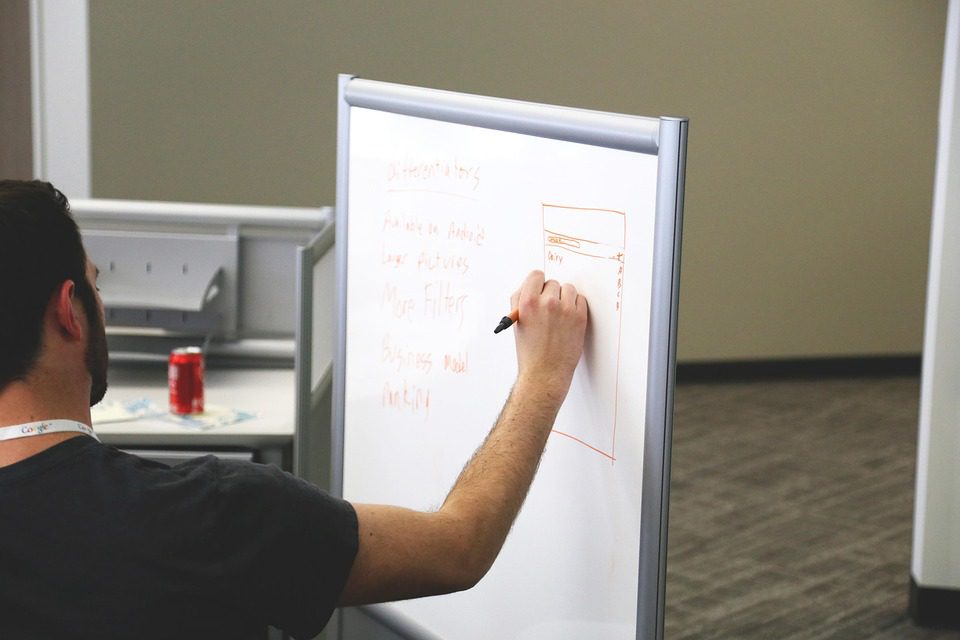
Let’s visualize this with a brief case study. Imagine you run a marketing agency gearing up to launch a new product campaign. You can use Asana to outline your project into key phases such as Market Research, Creative Development, and Performance Analysis.
By assigning tasks and deadlines within the software, you can not only visualize workflow but also track progress in real time. As team members complete tasks, the project manager can monitor and adjust timelines accordingly.
Implementing Gantt Charts
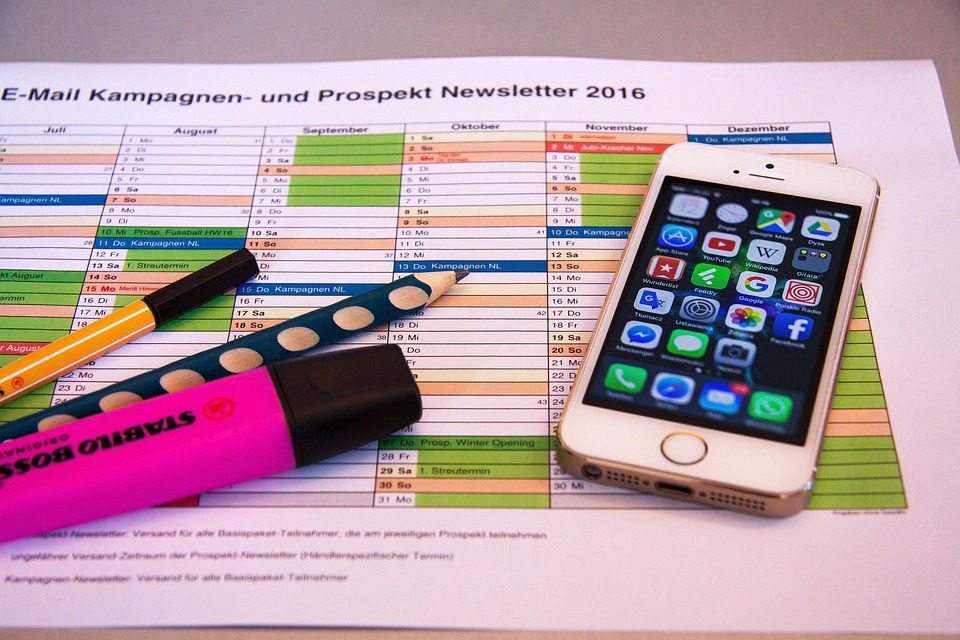
Gantt charts are a powerful visual project management tool that can help you map out your project timeline and understand task dependencies.
Using a Gantt chart, you could highlight overlapping tasks in your marketing campaign, ensuring that tasks like content creation and social media planning can occur simultaneously. This visibility allows faster adjustments if something falls behind schedule.
Resource Allocation
Effective resource management ensures that your project has the necessary tools, services, and manpower it needs at the right time. Keep an eye on:
- Team workload
- Budget constraints
- Time of delivery
Tip: Use a resource allocation matrix to identify who is available and when. This can prevent burnout and maximize efficiency.
| Team Member | Availability | Assigned Task | Deadline |
|---|---|---|---|
| Alice | 20 hours/week | Content Creation | 2026-05-01 |
| Bob | 15 hours/week | Social Media Strategy | 2026-05-15 |
| Charlie | 30 hours/week | Performance Analysis | 2026-06-01 |
Continuous Communication
Regular check-ins with your team can make a world of difference. Daily stand-ups or weekly updates allow everyone to voice concerns and provide feedback.
💬 Tip: Utilize collaboration tools like Slack to keep team communication flowing.
Risk Management
Every project comes with its own set of risks. Identifying them early allows for contingency planning.
For example, if you’re uncertain about a vendor’s ability to deliver, you can develop a backup plan that includes alternative suppliers.
Create a risk matrix to track identified risks along with their mitigation strategies.
| Risk | Impact Level | Mitigation Strategy |
|---|---|---|
| Vendor delays | High | Identify alternate vendors for key materials |
| Budget overrun | Medium | Maintain a 10% contingency fund in budget |
| Team absenteeism | Medium | Cross-train team members on critical tasks |
Review and Adjust
At the end of the project, hold a retrospective meeting to discuss what went well and what can be improved. This feedback loop fosters a culture of continuous improvement.
📅 Remember: Not all planning leads to perfect execution. Be ready to adapt and learn.
FAQs
1. What are the most effective project management tools?
- Tools like Asana, Trello, and Microsoft Project are widely recognized for their effectiveness in project management.
2. How do I choose the right project methodology?
- Consider the project’s nature, your team’s familiarity, and stakeholder needs. Agile is best for flexibility, while Waterfall suits clearly defined projects.
3. What’s the best way to communicate with my team?
- Regular updates through meetings and collaboration tools (e.g., Slack) help maintain transparency and open lines of communication.
4. How do I handle project risks?
- Identify potential risks early and create a risk management plan tailored to mitigate them.
5. Why is a Gantt chart useful?
- A Gantt chart visually represents the project timeline, helping to illustrate task dependencies and critical paths.
In conclusion, effectively planning and scheduling for projects requires a blend of careful strategy, robust tools, and continuous communication. By applying these methods, you can streamline your project workflow, enhance team collaboration, and ultimately achieve project success.
💼 Good luck with your projects, and may all your deadlines be met!