


Mastering Resource Management in Primavera P6: Tips and Best Practices
Effective resource management is vital for the success of any project—big or small. Primavera P6 stands out as one of the leading tools for managing resources efficiently. Let’s dive into some practical tips and best practices that can help you master resource management in Primavera P6.
Understanding Resource Types
In Primavera P6, resources can be categorized into three main types: labor, material, and equipment. Each type requires a different approach to management:
- Labor: This includes the workforce needed for the project.
- Material: These are the physical items required.
- Equipment: Any machinery or tools necessary for project completion.
Example: For a construction project, labor might include carpenters and electricians, materials could consist of wood and wiring, while equipment would encompass cranes and drills.
Setting Up Resource Codes
Using resource codes is essential for identifying and classifying resources efficiently. You can create hierarchies or categories to group similar resources. This will streamline your reporting and analysis efforts.
Case Study: Imagine a project involving multiple subcontractors. By categorizing resources like “Subcontractor Labor” versus “In-House Labor,” you will make it easier to assess costs and performance.
Optimal Usage of Resource Calendars
Each resource in Primavera P6 can have a unique calendar. This helps ensure that working hours, holidays, and non-working days are accounted for. Properly managing calendars can prevent conflicts and over-assignments.
💡 Tip: Always align resource calendars with project timelines to ensure consistency.
Resource Allocation and Leveling
An essential aspect of project management is resource allocation. In Primavera P6, you can allocate resources to activities effectively. Sometimes, however, you might find that resources are over-allocated, creating bottlenecks. Resource leveling may help in those situations. It adjusts the start dates of activities to resolve over-allocations without extending the project duration.
Example Activity:
- Task: Install Electrical Wiring
- Required Resources: 2 Electricians
- Allocated Resources: 3 (overallocated)
Leveling result: Start dates be adjusted, perhaps delaying the subsequent task but ensuring that you don’t burn out your staff.
Tracking Resource Performance
Monitoring/Tracking resource performance is crucial for understanding how resources are being utilized. Primavera P6 provides various reports that help in performance assessment.
📊 Some Useful Reports:
- Resource Usage Report
- Resource Availability Report
To generate reports: Navigate to the “Reports” section and use the built-in templates for quick results.
Using Resource Histograms
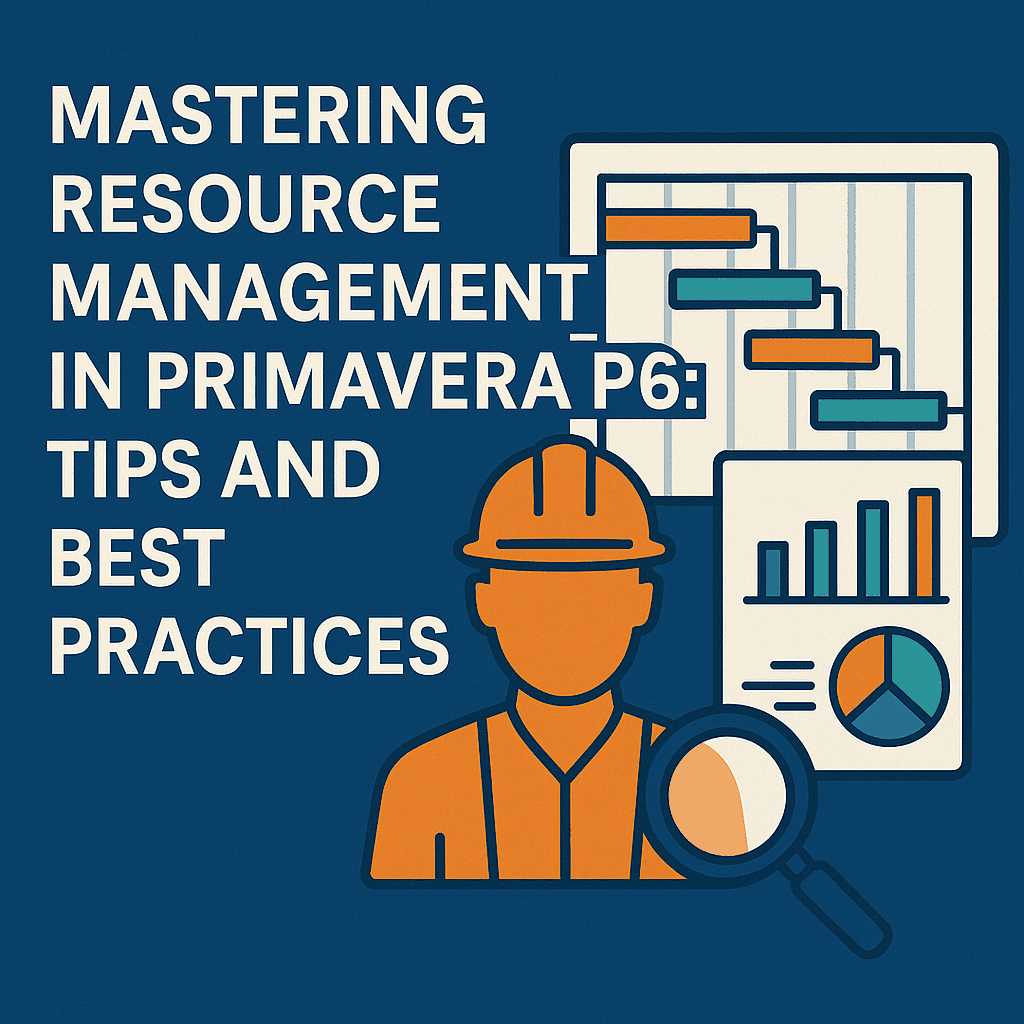
Resource histograms are visual representations that show resource usage over time. This aids in understanding whether the resources are under or overutilized.
🔍 Example: A bar chart shows the number of electricians needed per week. If you see peaks, it indicates a potential over-allocation.
Communication is Key
Regular communication and collaboration among team members can make a world of difference. It ensures everyone is on the same page regarding resource availability. Use comments and notes in Primavera P6 to document any changes or important information related to resources.
✨ Tip: Build a feedback loop with your team to ensure everyone’s aware of any changes in resource allocation.
Case Study: Managing Resources in a Construction Project
Consider a mid-sized construction project tasked with building a new housing complex. The project involves several trades, such as plumbing, electrical work, and carpentry.
-
Setup: The project manager utilizes resource codes for different trades—making it easy to roll up costs and timelines later.
-
Resource Allocation: The activities are broken down, and resources are allocated based on their availability. For example, plumbers need to be scheduled after the foundation is laid.
-
Leveling: Upon review, the project manager notices that the electrical team is over-allocated in weeks 3 and 4. They choose to level by adjusting timelines on non-critical tasks.
-
Monitoring: During execution, resource histograms reveal that plumbing resources are underutilized in the early stages, suggesting that they could take on more tasks.
By implementing these practices, the project manager ensures that resources are efficiently managed, leading to reduced costs and timely project completion.
Primavera P6 Tools and Templates
Several tools and templates make resource management in Primavera P6 even more effective:
- Primavera P6 Resource Management Tools: These tools can help you with advanced tracking and reporting.
- Primavera P6 Templates: Offer pre-built structures to jumpstart your projects.
Final Thoughts
Mastering resource management in Primavera P6 is a continuous process. The key is to stay adaptable, communicate effectively, and utilize the robust features of the software for optimal project success. By leveraging these tips and best practices, you can significantly improve your resource management skills, leading to more successful project outcomes.
FAQs
1. How can I manage over-allocated resources in Primavera P6?
You can use the resource leveling feature to adjust start dates or allocate resources to different tasks.
2. What are resource codes, and why are they important?
Resource codes help categorize resources, making tracking and reporting much easier.
3. How often should I update resource calendars?
You should update them regularly, especially when there are changes in the project timeline or available resources.
4. Can I generate custom reports in Primavera P6?
Yes! Primavera P6 allows you to create custom reports tailored to your project’s specific needs.
5. What should I do if my resource usage is consistently below expected?
Consider re-evaluating your project timeline or allocating more tasks to those resources to utilize them effectively.
By implementing these strategies in your daily practices within Primavera P6, you’ll not only improve your skills but also contribute significantly to the overall success of your projects. Happy managing! 🚀