


Essential Tips for Efficient Project Scheduling in Primavera P6
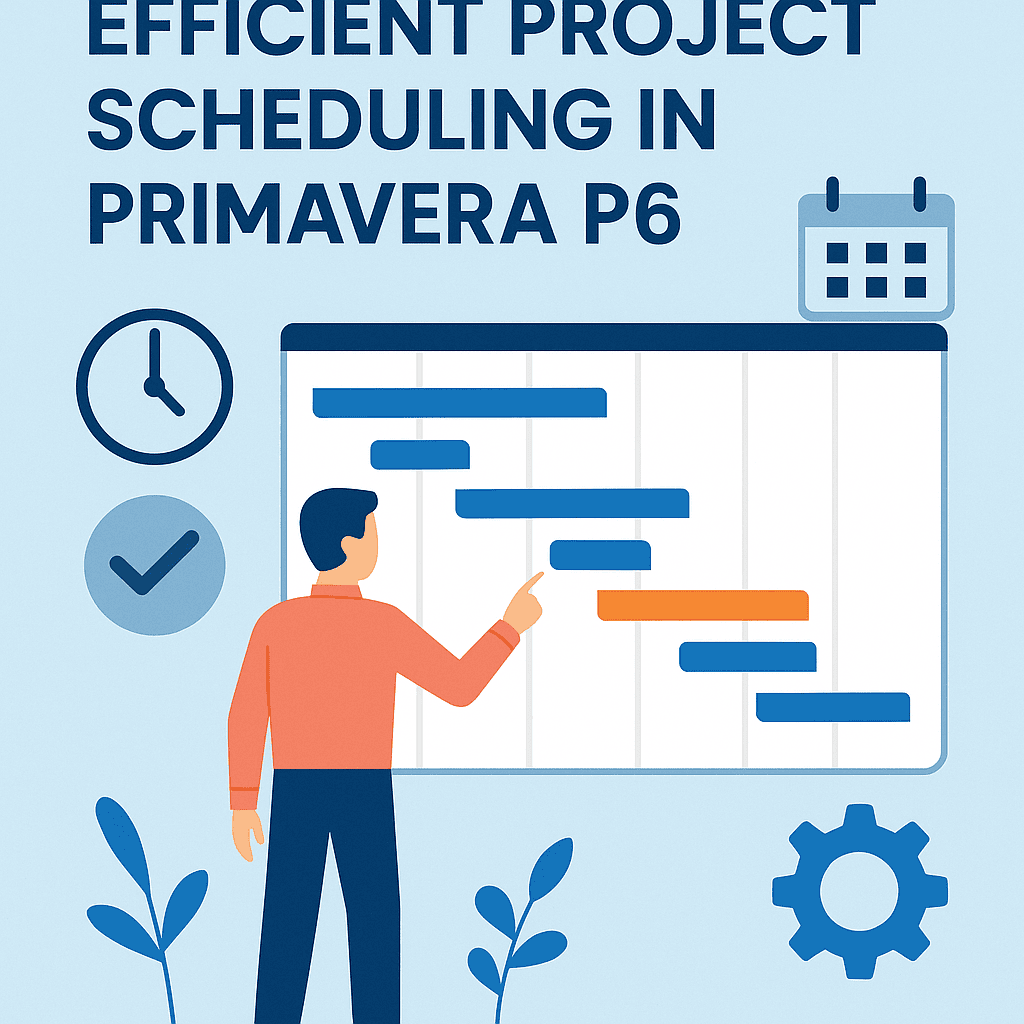
Project scheduling is a critical component of successful project management. With Primavera P6 as a powerful tool, mastering its features can significantly enhance your scheduling efficiency. Here are some essential tips on how to create an effective project schedule using this software.
Understand the Work Breakdown Structure (WBS)
A robust Work Breakdown Structure is vital. Think of WBS as the backbone of your project. It breaks down the project into manageable sections, allowing you to estimate costs and durations more accurately.
Example: Let’s say you are working on a construction project to build a bridge. Your WBS could look like this:
| Level | WBS Code | Task Description |
|---|---|---|
| 1 | 1.0 | Bridge Construction |
| 2 | 1.1 | Site Preparation |
| 2 | 1.2 | Foundation Work |
| 2 | 1.3 | Superstructure |
Use the Right Activity Types
Primavera P6 offers various types of activities: Task, Milestone, and Summary. Choosing the right type is crucial for transparency and tracking.
- Task: Regular activities that have a set duration.
- Milestone: It marks important points in the project, like completion of a stage.
- Summary: Groups related tasks together for better management.
Example: In your bridge project, “Completion of Foundation Work” can be a milestone.
Resource Allocation
Efficiently allocating resources is key. Make sure that each task has the necessary labor, materials, and equipment assigned.
You can use the Resource Assignments tab in Primavera P6 to check the availability and workload of each resource. An overload can lead to delays, while underutilization represents inefficiency.
Calendar Management
Different tasks might require different calendars. For instance, your construction site might only operate from Monday to Friday, while some activities, like design, could occur over the weekend.
Creating multiple calendars in Primavera P6 allows for flexibility. You can adjust the workdays, holidays, and shifts depending on the requirements of a specific task or resource.
Apply Critical Path Method (CPM)
Understanding the Critical Path is essential for efficient project scheduling. It identifies the longest sequence of tasks that directly affects your project duration.
Example: In your bridge project, if “Foundation Work” takes 10 days and “Superstructure” takes 15 days, the sequence from WBS 1.2 to 1.3 could be your critical path. Tracking this will help you anticipate any delays.
Baseline Comparison
Once your schedule is set, create a baseline. This allows you to compare planned versus actual performance. It’s an essential step that helps highlight any variances, enabling timely corrective actions.
To set a baseline in Primavera P6, go to the “Baseline” tab and save your current schedule. Regularly review the performance against this baseline.
Earned Value Management (EVM)
Using EVM within Primavera P6 helps you assess project performance regarding scope, time, and cost.
- Planned Value (PV): The budgeted cost for the work scheduled.
- Earned Value (EV): The budgeted cost for the work actually completed.
- Actual Cost (AC): The cost incurred for the actual work completed.
| Metric | Formula | Description |
|---|---|---|
| Planned Value | PV = Budget × % Complete | Expected expenditure for completed tasks |
| Earned Value | EV = Total Budget × % Completed Tasks | Value of work done up to that point |
| Actual Cost | AC = Actual Expenses Incurred | Costs already incurred |
Using these metrics enables you to get an accurate picture of your project’s health.
Regular Updates and Reporting
Frequent updates and progress tracking are essential. Utilize the reporting features in Primavera P6 to generate status reports. Share these with stakeholders to maintain transparency.
Case Study: Bridge Construction Project
Let’s consider the bridge construction project discussed earlier. Suppose the project is set to take 60 days. By implementing the above tips, the team allocates resources effectively and monitors the critical path closely.
One week into the project, they discover a delay in “Foundation Work.” Utilizing EVM, they assess the impact:
- Planned Value: $50,000
- Earned Value (after 7 days): $30,000
- Actual Cost: $35,000
With these figures, they estimate the potential delays and proactively allocate additional resources to avoid extending the deadline. As a result, they manage to catch up within two weeks.
Maintain Communication
Regular communication with your team leads to better outcomes. Utilize team meetings, chats, and updates through Primavera P6 to keep everyone aligned.
Explore Tools and Templates
To further enhance your efficiency, explore different tools and templates available within the Primavera P6 environment. Custom templates can save time and maintain consistency across your project schedules.
Useful Links:
FAQs
Q1: How can I manage project risks in Primavera P6?
A1: Use the Risk Management module to identify and categorize risks. Regularly update risk responses based on project status.
Q2: Can Primavera P6 integrate with other software?
A2: Yes, Primavera P6 can integrate with various tools like Microsoft Project, Excel, and accounting software. This helps in seamless data exchange.
Q3: What’s the best way to train my team on Primavera P6?
A3: Provide formal training sessions, online courses, and hands-on workshops to ensure everyone understands the tool’s functionalities.
Q4: How do I adjust the schedule if there are resource conflicts?
A4: Use the “Resource Leveling” feature in Primavera P6. It automatically adjusts the start and finish dates to resolve conflicts while maintaining your project’s critical path.
Q5: What should I do if my project is falling behind schedule?
A5: Review the critical path, assess resource allocation, and communicate changes with the team. Consider fast-tracking or crashing certain tasks if necessary.
By following these tips and leveraging Primavera P6’s robust features, you can enhance your project scheduling efforts and increase the likelihood of project success. Happy scheduling! 🚀