


Understanding the Critical Path Method in Primavera P6: A Comprehensive Guide
The Critical Path Method (CPM) is a fundamental project management technique used to determine the longest stretch of dependent activities and measure the time required to complete a project. Utilizing this methodology in Primavera P6 aligns perfectly with complex project execution, enhancing both efficiency and accuracy.
The Basics of CPM
At its core, the Critical Path Method helps project managers identify crucial tasks that directly impact the project’s duration. If these activities are delayed, the entire timeline may shift. Thus, knowing how to identify and manage these tasks is vital for keeping your project on track.
Steps to Identify the Critical Path in Primavera P6
Define Activities: First, you’ll need to list down all the activities required for your project. For instance, in a construction project, tasks could be site assessment, foundation laying, and framing.
Sequence Activities: Once activities are defined, they should be sequenced based on dependencies. For example, framing cannot begin until the foundation is complete.
Estimate Duration: Assign durations to each activity. Consider using historical data for accuracy.
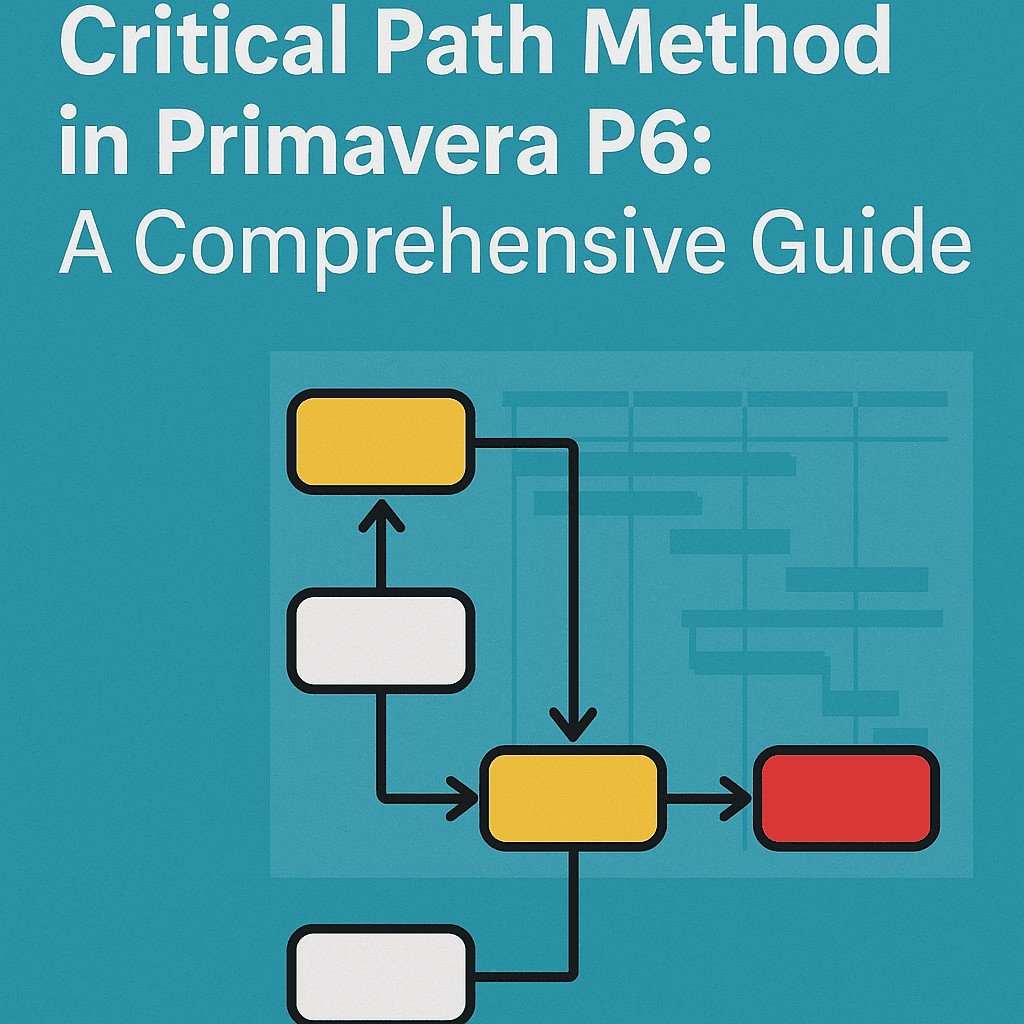
Network Diagram: In Primavera P6, create a network diagram to visualize the project. This helps in understanding dependencies and workflow.
Calculate the Critical Path: Primavera P6 automatically calculates the longest path by determining the earliest start and finish dates and the latest start and end dates for each activity.
Example of CPM with Primavera P6
Let’s consider a mini-project for organizing a community event:
| Activity | Duration (days) | Dependency |
|---|---|---|
| Venue Booking | 5 | None |
| Marketing Material | 3 | Venue Booking |
| Guest Invitation | 4 | Venue Booking |
| Setup | 2 | Marketing Material, Guest Invitation |
| Event Day | 1 | Setup |
Analysis:
- The critical path here is Venue Booking -> Marketing Material/Guest Invitation -> Setup -> Event Day.
- If Venue Booking takes longer than 5 days, the entire project timeline is impacted.
Visualizing the Project in Primavera P6
Creating a Gantt chart in Primavera P6 not only facilitates better visualization but also helps in communicating progress to stakeholders effectively. You can easily track which activities are on the critical path and adjust resources accordingly.
Case Study: A Construction Project
Imagine a construction project with several parallel activities. Here’s a simplified critical path analysis for building a small office building.
| Activity | Duration | Predecessors |
|---|---|---|
| Groundwork | 10 | None |
| Framing | 15 | Groundwork |
| Electrical | 10 | Framing |
| Plumbing | 10 | Framing |
| Drywall | 10 | Electrical, Plumbing |
| Paint | 5 | Drywall |
| Final Inspection | 2 | Paint |
After running the schedule in Primavera P6, we find that the critical path is:
Groundwork → Framing → Electrical/Plumbing → Drywall → Paint → Final Inspection
Managing Your Critical Path
Primavera P6 provides tools that help in monitoring and managing the critical path effectively:
- Resource Allocation: Ensure that resources are available for critical tasks to avoid unnecessary delays.
- Progress Tracking: Regularly update the progress of each task to assess the current status against the planned schedule.
- What-If Scenarios: Use Primavera P6’s “What-If” analysis feature to explore different scenarios like adding resources to shorten critical task durations.
Interactive Component: Implementing CPM in Primavera P6
Let’s say you want to calculate your project’s critical path. Here’s how to get started in Primavera P6:
- Create a New Project: Open Primavera P6 and click on ‘New Project.’
- Input Activities: Input your project tasks in the activity table.
- Link Activities: Use the ‘Link Activities’ tool to establish dependencies amongst tasks.
- Set Durations: Enter the estimated time each task will take.
- Run the Schedule: Click on ‘Schedule’ to view your completed schedule with the critical path highlighted.
This interactive approach allows you to engage dynamically with the project and its complexities. 📊
Tools and Resources
Utilizing templates and tools can streamline the CPM process. Here are some useful resources for managing your projects using Primavera P6:
FAQs
What is a critical path?
The critical path is the longest sequence of tasks in a project, determining the minimum project duration.
How do I adjust activities on the critical path?
Adjusting tasks can involve reallocating resources or modifying dependencies. Always run the schedule after making changes to check for updates.
Can I have multiple critical paths?
Yes, projects can have multiple critical paths, especially in complex projects with parallel activities.
Is Primavera P6 user-friendly for beginners?
While it has a learning curve, many find it beneficial once they become familiar. Online courses and tutorials can help ease the learning process.
What happens if a critical task is delayed?
If any task on the critical path is delayed, it usually results in the entire project being delayed unless adjustments are made.
By implementing the Critical Path Method in Primavera P6, project managers can significantly enhance the planning, execution, and monitoring stages of any project, ensuring that deadlines are met and resources are optimally allocated. Happy managing! 🚀