




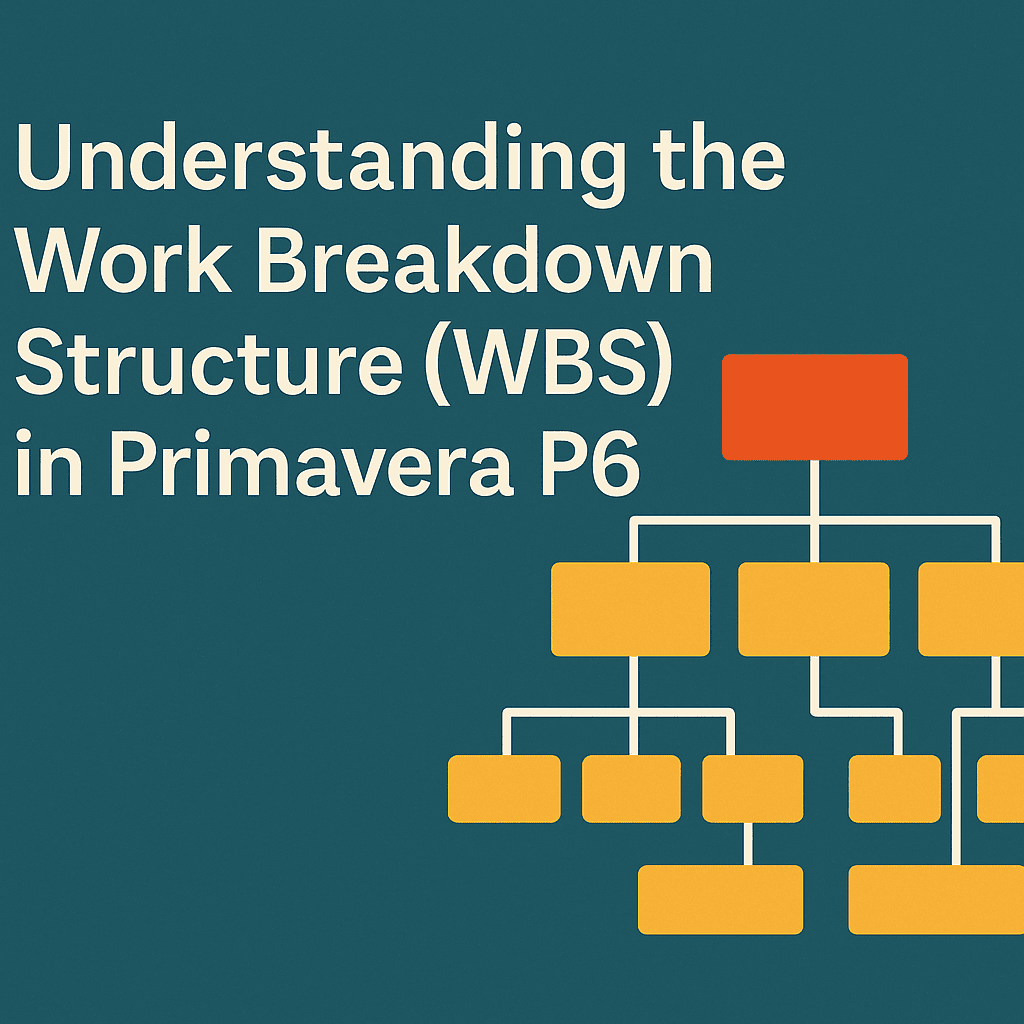
Managing a project effectively involves breaking it down into manageable components. That’s where the Work Breakdown Structure (WBS) comes into play. In Primavera P6, the WBS is a fundamental tool for organizing and laying the groundwork for project planning and execution.
What is WBS?
The WBS is a hierarchical decomposition of a project into smaller, more manageable parts. It helps in identifying the deliverables and milestones of the project. Think of it as a tree structure where each branch represents a different level of detail about your project.
For example, consider a building construction project. The WBS might look something like this:
| Level 1 | Level 2 | Level 3 |
|---|---|---|
| Building Project | Design Phase | Architecture |
| Construction Phase | Foundation | |
| Framing | ||
| Finishing |
In Primavera P6, each of these levels can be further detailed, allowing project managers to visualize the entirety of the project and remaining tasks.
Creating WBS in Primavera P6
Once you’ve grasped the concept of WBS, creating it in Primavera P6 is the next step. Here’s how you can do it:
- Open Primavera P6: Launch the Primavera P6 application.
- Create a New Project: If you haven’t created your project yet, now’s the time.
- Navigate to WBS Tab: On the top menu, go to ‘Projects’ and click on ‘WBS.’ This is where the magic happens.
- Add WBS Elements: Click on the ‘Add’ button to start creating your hierarchy. You can go through levels by adding sub-elements under the main WBS element.
Example: Developing a WBS for a Software Development Project
For a software development project, your WBS might look something like this:
| Level 1 | Level 2 | Level 3 |
|---|---|---|
| Software Project | Requirements Gathering | Interviews with Stakeholders |
| Design | UI/UX Design | |
| Development | Backend | |
| Frontend | ||
| Testing | User Acceptance Testing | |
| Deployment | Rollout |
In this layout, you can see how each component is broken down into sub-components. This granularity not only offers clarity but also aids in resource allocation and task assignment.
Benefits of Using WBS in Primavera P6
1. Improved Project Clarity
With WBS, every team member understands their roles and responsibilities. Clarity enhances collaboration and ensures no task falls through the cracks.
2. Enhanced Estimation
Having a detailed WBS allows for more accurate time and cost estimates. When breaking down components, you can more effectively assess how long each task will take, which is vital for budgeting.
3. Risk Management
By understanding each component’s requirements, you can identify potential risks and mitigate them effectively.
4. Progress Tracking
WBS allows you to set milestones and track progress against each component. This way, you can easily see which areas are on schedule and which need attention.
A Case Study: WBS in Action
Let’s consider a small case study involving an IT consultancy firm looking to implement a new software system for a client.
Scenario
The firm is responsible for the entire software development lifecycle. They needed a WBS to ensure every aspect was covered and clearly outlined.
WBS Structure
-
Project Initiation
- Kick-off Meeting
- Project Charter Approval
-
Requirements Gathering
- Stakeholder Interviews
- Documentation of Requirements
-
Software Development
- Frontend Development
- Backend Development
-
Testing Phase
- Functional Testing
- System Testing
-
Deployment
- User Training
- Go-Live Support
This breakdown allowed the firm to assign specific teams to each category, streamline communication, and manage resources effectively.
Tracking Progress
With their WBS in Primavera P6, the firm was able to track the progress of each segment. They noticed during the testing phase that there were delays in functional testing, which prompted them to allocate additional resources and speed up the process.
Frequently Asked Questions (FAQs)
Q1: Can I customize WBS in Primavera P6?
Absolutely! Primavera P6 allows for various customizations in WBS, which means you can tailor your structure based on the specific needs of your project.
Q2: How does WBS relate to scheduling in Primavera P6?
The WBS serves as a foundation for the project schedule. Each WBS element can be linked to tasks and milestones, allowing you to create a detailed project timeline.
Q3: Can I import a WBS from another project?
Yes, Primavera P6 enables you to import WBS structures from other projects, streamlining the setup for similar future projects.
Q4: What are some best practices for WBS?
- Keep it simple and clear.
- Avoid over-complicating the structure.
- Include all tasks to ensure nothing is missed.
Q5: Are there templates available for WBS in Primavera P6?
Definitely! There are numerous Primavera P6 templates you can explore to get started.
Conclusion
Utilizing the Work Breakdown Structure in Primavera P6 is a game changer for project management. It provides clarity, facilitates efficient tracking, and enhances overall project execution. With a well-structured WBS, managing projects can become a streamlined experience rather than a chaotic challenge.
If you want to take your project management skills to the next level, explore Primavera P6 services and tools that can assist you in efficient planning and execution.
Now, get out there and start building your WBS in Primavera P6! 🚀