

Understanding the Differences Between Primavera P6 Professional and P6 EPPM
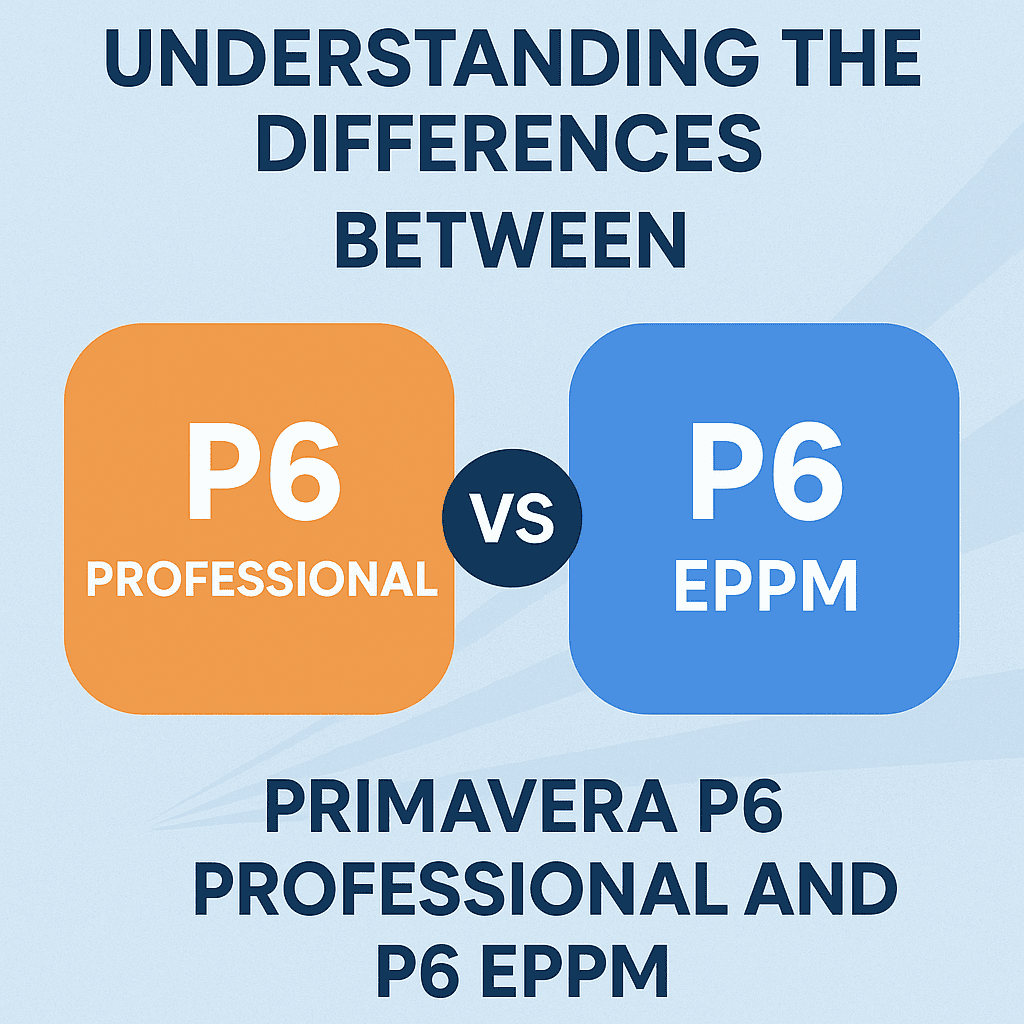
Primavera P6 is a powerful project management software widely used in various industries, especially construction and engineering. Two key variants of this software are Primavera P6 Professional and Primavera P6 EPPM (Enterprise Project Portfolio Management). As an experienced Primavera P6 engineer, I’ll break down the essential differences between these two versions, facilitating better decision-making for your project management needs. Let’s delve into their features, usage scenarios, and strengths.
User Interface
The user interface in P6 Professional and P6 EPPM reveals significant differences.
-
P6 Professional has a desktop-centric interface designed for single users. It provides quick access to projects, custom layouts, and an intuitive drag-and-drop feature, which many engineers find productive.
-
P6 EPPM, on the other hand, is web-based. This means users can access it anywhere with an internet connection. The interface is more comprehensive, featuring dashboards and advanced reporting tools.
For example, imagine two teams working on a construction project. The on-site team prefers P6 Professional, where they can quickly update tasks, while the management team uses P6 EPPM to review project statuses with real-time data and reports. 🏗️
| Feature | P6 Professional | P6 EPPM |
|---|---|---|
| Interface Type | Desktop | Web-based |
| Accessibility | Single-user access | Multiple-user access |
| User Experience | Simpler, intuitive | Advanced reporting |
Functionality
P6 Professional offers rich functionalities that cater to individual project managers. It’s highly effective for developing detailed project plans, schedules, and resource allocations. For instance, when working on a mega construction project, the ability to create complex work breakdown structures (WBS) in P6 Professional is indispensable.
P6 EPPM emphasizes portfolio management and allows organizations to manage multiple projects simultaneously. This includes features like:
- Portfolio Analysis: Organizations can analyze which projects align best with strategic objectives.
- Resource Management: Use a centralized resource pool across various projects, enhancing efficiency.
Consider a manufacturing firm exploring new products. Using P6 EPPM, they can assess multiple product development projects and allocate resources based on priority, minimizing waste. 🚀
Collaboration and Communication
In today’s projects, collaboration is key. P6 Professional enables project managers to communicate changes directly to team members via email or other communication tools, but it lacks extensive collaborative features.
Contrastingly, P6 EPPM stands out in this area. With its centralized platform, teams can work together, share insights, and receive updates in real time. For example, team members can comment on project updates and receive notifications, fostering a collaborative environment. 💬
Reporting
Reporting plays a vital role in project management, allowing stakeholders to assess progress and make informed decisions.
-
In P6 Professional, standard reporting tools facilitate basic reports and dashboards tailored by the user.
-
P6 EPPM provides advanced reporting options, including real-time dashboards, analytics, and the ability to create custom reports. This capability makes it easier for management teams to visualize project status and resource allocation efficiently.
A project manager might create a custom dashboard in P6 EPPM, showcasing key performance indicators (KPIs) for an ongoing project, enabling stakeholders to assess project health at a glance. 📊
Licensing and Cost
The cost structure involves several aspects, including licensing for each variant.
-
P6 Professional is licensed per user, making it affordable for smaller projects or organizations with fewer users. This straightforward pricing allows flexibility when scaling up.
-
P6 EPPM often comes with a higher price tag due to its enterprise features and web-based access. However, for organizations managing multiple projects or portfolios, the investment can lead to greater returns in efficiency and resource allocation.
To illustrate, a small construction firm can effectively manage their projects with P6 Professional without stretching their budgets. In contrast, a large corporation might opt for P6 EPPM to coordinate several construction projects across different locations. 💰
Integration
Integration capabilities are a significant factor for companies working with multiple software tools. P6 Professional tends to have limited integration options. While it can connect with Microsoft Office (like Excel), it isn’t designed for comprehensive integration with enterprise systems.
P6 EPPM shines in this area. It integrates seamlessly with other enterprise resource planning systems (ERPs) and business intelligence tools. Therefore, organizations using P6 EPPM can create a holistic project and resource management ecosystem.
As a case in point, a large NGO focusing on infrastructure development might utilize P6 EPPM to integrate its financial systems, enabling efficient budget tracking alongside project schedules. 🌍
Case Study: Construction Firm
Consider ABC Construction, a mid-sized firm managing a series of projects across various states. Initially, they utilized P6 Professional for scheduling but struggled with portfolio oversight and resource management.
After switching to P6 EPPM, they experienced several benefits:
- Enhanced Collaboration: Teams worked from the same platform, reducing miscommunication.
- Improved Reporting: Project managers could generate insightful reports for stakeholders in real-time.
- Portfolio Management: They could easily analyze ongoing projects and allocate resources as needed.
As a result, project delivery improved, costs decreased, and stakeholder satisfaction soared. 🎉
FAQs
Q1: Can I switch from P6 Professional to P6 EPPM easily?
Yes, while both versions utilize similar data structures, specific customizations and features may need to be adjusted when switching.
Q2: Does P6 EPPM require more training compared to P6 Professional?
Typically, yes. Due to advanced features and a broader scope of functionality, users may require more training to fully leverage P6 EPPM.
Q3: Can both versions be run simultaneously?
While technically possible, managing them concurrently can lead to confusion. It is best to choose one based on your organizational needs.
Q4: Are templates available for both versions?
Yes! You can find templates suitable for both P6 Professional and P6 EPPM to streamline your project management process. Check out these Primavera P6 templates for more details.
Q5: Can P6 EPPM run on mobile devices?
Yes, P6 EPPM’s web-based interface generally enables access from mobile devices, provided there’s a stable internet connection.
If you’re intrigued by these tools, exploring Primavera P6 services and tools can lead to optimizing your project management process.
In conclusion, whether to choose P6 Professional or P6 EPPM will depend largely on your project needs, company size, and collaboration requirements. Whichever platform you decide to utilize, both offer robust features to help manage projects effectively. 🛠️