

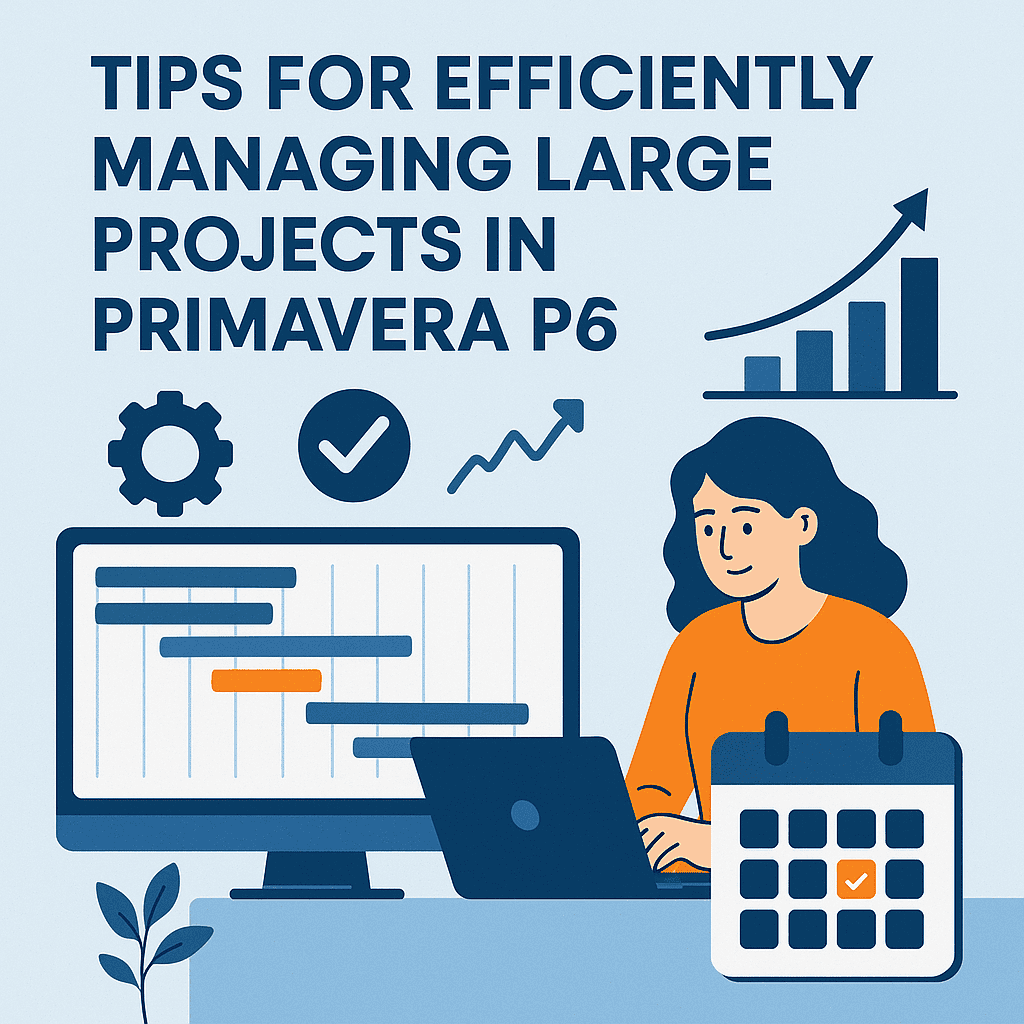
Tips for Efficiently Managing Large Projects in Primavera P6
Managing large projects can be incredibly complex, but with the right strategies using Primavera P6, you can ensure a smoother process. Here, I’m sharing my insights and experiences from the field to help you streamline your project management tasks.
Understanding the Interface
When you first log into Primavera P6, take a moment to familiarize yourself with its interface. The dashboard is where you can gain insights into your project status at a glance. Widgets for metrics like tasks, resources, and budgets can be customized to reflect data that matters most to your project.
Example: One time, I set up a dashboard for a construction project that highlighted schedule delays in red. This immediate visual helped the team address the issues promptly!
Organizing Your Project Structure
It’s crucial to lay a solid foundation when setting up your project. Use the Work Breakdown Structure (WBS) to break your project into manageable sections. This organization not only simplifies monitoring but also makes reporting easier.
- Tip: Keep your WBS simple. Avoid creating too many layers; three to four levels are generally sufficient.
Small Case Study: In a large infrastructure project, we broke down the WBS into phases like Design, Development, and Implementation. It allowed us to pinpoint delays in specific phases, making it easier to adjust resources accordingly.
Resource Management
Allocating resources efficiently is key. Start by identifying your team members’ skills and link those to project tasks. Regularly updating your resources in Primavera P6 ensures you have accurate data for making decisions.
- Tip: Use the Resource Assignments feature to track who is working on what and ensure workloads are balanced.
To illustrate, in a telecom project, we faced a resource bottleneck because a critical engineer was overloaded. By reviewing the resource assignments, we redistributed tasks, preventing delays in the project timeline.
Scheduling with Precision
Creating a detailed schedule in Primavera P6 will guide you throughout the project’s lifecycle. Always define start and finish dates, and apply the critical path method (CPM) to identify the most crucial tasks.
Let’s talk about Lag and Lead time. Properly applying these can help manage tasks that cannot start until others finish, thereby ensuring workflow continuity.
Example: In one construction project, we applied a 3-day lag to the painting phase that followed electrical work. This helped us in managing overlapping tasks without compromising quality.
Utilizing Templates
For recurring projects, invest time in creating robust templates in Primavera P6. This will save hours in future projects and ensure consistency.
➡️ You can check various templates available for download here for quick access to useful formats.
Case in Point: We developed a template for a citywide road project, which outlined key phases and standard resource allocation. This template was directly used in future, similar projects, significantly speeding up the initiation process.
Engaging Stakeholders
Engagement with stakeholders is vital. Utilizing reports and visual aids can help in communicating complex information simply. Primavera P6 allows you to generate reports that highlight key performance indicators, enabling stakeholders to understand project health easily.
Tip: Always opt for visual reports when possible. Gauges, graphs, and charts can be easily understood. 🌟
In a recent project, we created an interactive report using graphs displaying milestones for our stakeholders. Their feedback loop became quicker, making it easier to resolve any concerns.
Continuous Monitoring and Adjustments
Even with a solid plan, things can go off track. Constantly monitor your schedule and resource allocations. In Primavera P6, you can set up alerts for delayed tasks so that issues are caught early.
Example: In a large university campus project, we set up alerts for tasks slipping beyond 10% of their original timeline. This proactive approach allowed us to reallocate resources to stay on schedule.
Training and Development
Make it a habit to regularly train your team on Primavera P6. Having a knowledgeable team can reduce errors and improve efficiency. Periodic refresher courses will help everyone stay sharp on functionalities and best practices.
Keep an eye out for Primavera P6 training services that can offer a range of courses tailored to different skill levels.
Best Practices Documentation
Documenting best practices is essential. This could include lessons learned, templates used, and reports generated. Inserting comments directly into your projects in Primavera P6 can be invaluable for future reference.
For instance, I routinely note down what worked and what didn’t on each project phase to avoid repeating mistakes. 📋
Engaging with Community
Don’t forget to engage with other Primavera P6 users. Forums, webinars, and local meetups can provide insights that spark new ideas for project management.
You’ll often find that sharing your experiences enriches both you and your peers. Consider connecting with fellow professionals through Primavera forums to exchange knowledge.
FAQs
Q: Can I customize my dashboard in Primavera P6?
A: Absolutely! You can add widgets and select data that is most relevant to your project, reflecting what you need to track at a glance.
Q: What is a Work Breakdown Structure (WBS)?
A: A WBS is a hierarchical breakdown of your project into manageable sections, which facilitates easier tracking and reporting.
Q: How can I create templates in Primavera P6?
A: You can save any project setup as a template within Primavera P6 for future projects, ensuring consistency and saving time.
Q: What should I do if tasks are continuously delayed?
A: Use the resource allocation tools to identify bottlenecks, review your project timeline, and consider reassigning tasks as necessary.
Q: Are there any tools recommended for Primavera P6?
A: Yes, check this link for a list of useful Primavera P6 tools that can help streamline your processes.
By implementing these strategies, you can manage your large projects more efficiently and lead your team to a successful outcome. Happy project managing! 🚀