
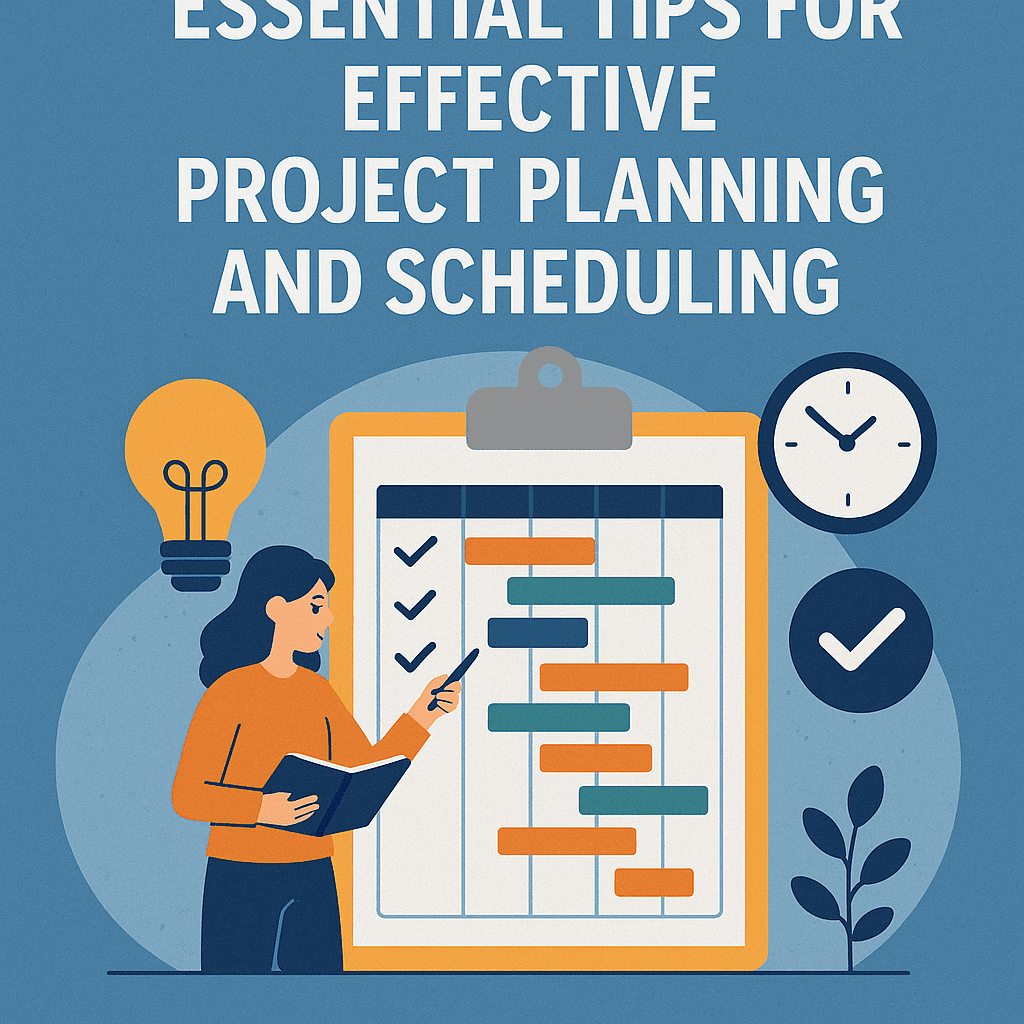
Project planning and scheduling can seem overwhelming, but with a few essential tips, it becomes manageable. Let’s dive into strategies that can help streamline your projects, increase team productivity, and improve overall project success.
Everyone has a unique way of planning, but having a structured approach is key. A good starting point is identifying your project’s goals. Ask yourself, “What do I want to achieve?” This clarity helps in forming your project scope and objectives.
Understanding the Project Lifecycle
Projects follow a lifecycle consisting of initiation, planning, execution, monitoring, and closing. Each phase has its own requirements and focuses. For example, in the initiation phase, you outline the project’s purpose and outline the deliverables.
Example:
Imagine a small business launching a new product. The initiation phase would involve defining the product’s benefits clearly and determining how it aligns with the company’s goals.
Creating a Robust Work Breakdown Structure (WBS)
One of the best ways to visualize your project scope is by creating a Work Breakdown Structure (WBS). This structure breaks the project into smaller, manageable tasks. For instance, if you’re developing software, your WBS might break down into design, coding, testing, and deployment.
| Task | Sub-Task |
|---|---|
| Design | UI/UX Graphics |
| Wireframes | |
| Coding | Backend Development |
| Frontend Integration | |
| Testing | Unit Tests |
| User Acceptance | |
| Deployment | Cloud Setup |
| Rollout |
Setting SMART Goals
When planning, ensure your goals are SMART: Specific, Measurable, Achievable, Relevant, and Time-bound. For instance, instead of saying, “Increase sales,” you might say, “Increase sales by 20% in six months” 🎯.
Estimating Time and Resources
After breaking the project down, the next step is estimating how long each task will take. Here, consider using techniques like:
- Expert Judgment: Involve team members who have experience.
- Historical Data: Look at similar past projects.
Case Study: Launching a New Website
In a recent project for a website launch, we allocated specific times for each phase:
- Design: 4 weeks
- Development: 6 weeks
- Testing: 2 weeks
This level of estimation helped in resource allocation and maintaining the project timeline.
Prioritizing Tasks with a Gantt Chart
Utilizing Gantt charts is beneficial for visually tracking progress. This tool helps in identifying task dependencies and scheduling. Here’s a simple illustration:
| Task | Start Date | End Date | Dependencies |
|---|---|---|---|
| Research | 01/01 | 01/05 | None |
| Design | 01/06 | 01/25 | Research |
| Development | 01/26 | 02/15 | Design |
| Testing | 02/16 | 02/28 | Development |
Communication is Key
Effective communication is vital. Create avenues for regular updates. For our website launch, we held weekly check-in meetings using video conferencing. Everyone could express their concerns, and the project manager could revise plans if necessary.
Emphasizing Risk Management
Identify potential risks even in the planning stages. For example, in our project, we recognized that a technology change could delay the website development. Having a backup plan allowed us to pivot quickly if needed.
Example of a Risk Management Matrix:
| Risk | Likelihood | Impact | Mitigation Strategy |
|---|---|---|---|
| Technology Change | Medium | High | Stick to proven technologies |
| Team Member Unavailability | High | Medium | Cross-train team members |
| Budget Overrun | Low | High | Regular financial audits |
Using Project Management Software
Many tools can facilitate your planning and scheduling. Services like Asana, Trello, and Microsoft Project allow teams to collaborate effectively. These platforms integrate features for monitoring deadlines, resource allocations, and team assignments all in one place.
Agile vs. Waterfall Methodologies
Deciding between Agile and Waterfall methodologies depends on your project type. For example:
- Waterfall: Useful for projects with clear steps like construction.
- Agile: Adapts to changes, ideal for software projects.
Let’s say you decide on Agile for your website launch. You can have bi-weekly sprints to develop, test, and deploy features.
Celebrating Milestones
Celebrating small wins is crucial for keeping the team motivated. For instance, after completing the design phase of our website project, we organized a virtual party! This helped maintain momentum but also reinforced camaraderie among team members.
Continuous Improvement
Post-project evaluations highlight successes and areas for improvement. Employ surveys or retrospectives to gather feedback from team members. This blend of reflection sets the stage for better planning in future projects.
FAQs
What is project planning?
Project planning involves defining the project goals, logistics, tasks, and resources needed to achieve success. It sets the blueprint for the project’s execution.
How do I estimate project timelines?
Estimate by breaking the project into tasks, using historical data for insights, and consulting experienced team members.
What tools can I use for project scheduling?
Popular tools include Asana, Trello, Microsoft Project, and Monday.com.
What is a Gantt chart?
A Gantt chart is a visual representation of a project timeline, showcasing tasks, their durations, and dependencies. It’s a valuable tool for tracking progress.
What’s the purpose of risk management in project planning?
Risk management identifies potential challenges and creates mitigation strategies to minimize their impact on the project’s success.
Incorporating these tips into your project planning and scheduling can lead to effective management and successful project outcomes. Remember that adaptability, clear communication, and a strong team spirit can make all the difference in your project’s journey! 😊