Scientific Calculator
The scientific calculator evaluates arithmetic expressions with parentheses, powers, roots, logarithms and trigonometric functions. Its keypad supports DEG and RAD angle modes, constants π and e, percent and sign change, without memory storage.
By Dr. Hassan Khames EliwaLast updated
How it works
Build the expression, then evaluate it
Parentheses group operations so that a whole expression can be used as the input to another operation. Powers apply before multiplication and division, which in turn apply before addition and subtraction. Explicit grouping is the clearest way to communicate what you intend, particularly when a negative number is raised to a power.
The x² key squares a value, while xʸ raises a base to a chosen exponent. The square-root key returns the principal, nonnegative square root for a nonnegative real input. A negative radicand needs complex arithmetic, which is outside this calculator’s intended real-number workflow.
The sin, cos and tan keys use the selected angle mode. DEG interprets 90 as a quarter turn; RAD interprets π/2 as a quarter turn. Change the mode before evaluating an expression, and keep the same convention throughout the trigonometric parts of that expression. Tangent is undefined at odd multiples of 90 degrees, although finite-precision arithmetic can produce a very large number near those points.
The log key is the base-10 logarithm, and ln is the natural logarithm with base e. Both require positive real inputs. Constants π and e insert their numeric values rather than serving as variables. The percent key represents a value divided by 100; for an unambiguous percentage-of calculation, explicitly multiply the resulting decimal by the reference quantity.
Worked example
Evaluating a grouped expression
Evaluate 2 × (3 + 4)² − √16. First enter the grouped sum 3 + 4, which is 7. Squaring that group gives 49, and multiplying by 2 gives 98. The principal square root of 16 is 4, so the complete result is 94.
The parentheses matter. Squaring only the 4 instead would create a different expression. Before pressing equals, check that the squared operation applies to the whole group and that the subtraction is outside the square root.
This example uses no trigonometric function, so DEG and RAD give the same answer. As a separate angle check, sin(30) in DEG is 0.5, while sin(π/6) in RAD describes the same angle and also gives 0.5. A mode mismatch is not a rounding error; it asks a different mathematical question.
Expert tips
Common mistakes
- An inherited angle mode can silently change a trigonometric calculation. A trigonometric expression copied from a geometry worksheet often uses degrees, while calculus work commonly uses radians.
- Interchanging log and ln changes the function. They have different bases, so log(100) is 2 while ln(100) is not. Choose the function required by the formula.
- A numerical display is not an exact symbolic result. Constants and transcendental functions are evaluated numerically, and tiny floating-point residuals can appear after cancellation.
Frequently asked questions
What does the percent key mean?
It converts a percentage value to a decimal by dividing by 100. To find 20% of 150, use 20 divided by 100 and then multiply by 150, or use the percentage calculator.
When should I use RAD?
Use RAD when the formula specifies radians, as many calculus and engineering formulas do. One full turn is 2π radians or 360 degrees. Convert the angle rather than merely changing the mode and expecting the same numeric input to mean the same angle.
What is the difference between x² and xʸ?
The square key always uses exponent 2. The power key accepts another exponent, such as 3 for a cube. Fractional and negative exponents can introduce additional real-number domain restrictions.
Does the calculator have memory keys?
No. There are no memory-store, memory-recall or memory-clear functions. Keep any intermediate values you need in your own notes, or combine the steps into one clearly grouped expression.
Why can a valid-looking expression fail?
Check for unmatched parentheses, a missing operand, division by zero, a nonpositive logarithm input or a negative square-root input. Very large powers can also exceed numeric limits even when the written expression is mathematically meaningful.
Related calculators
Related guides
 MathPercentages people get wrong: change, difference and pointsThe denominator determines the answer. Learn to distinguish percentage change, symmetric difference and percentage-point movements.14 November 2026 · 7 min read
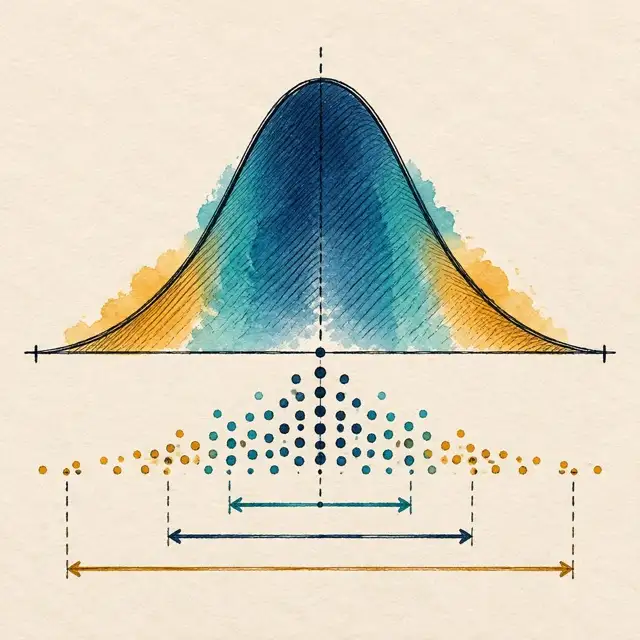 MathStandard deviation without the jargonThe average tells you the centre. Standard deviation helps describe the spread, provided you know what the data represents.14 November 2026 · 7 min read
Sources and standards
About the author
Dr. Hassan Khames Eliwa holds a PhD in Construction & Built Environment and has more than 20 years of international project controls experience. He is Director of Eliwa Project Controls Limited in Auckland and founder of PMMilestone.org and PMMilestone.com.
Buy me a coffee